50% OFF ONLY TODAY + FREE NATIONWIDE DELIVERY

Introducing
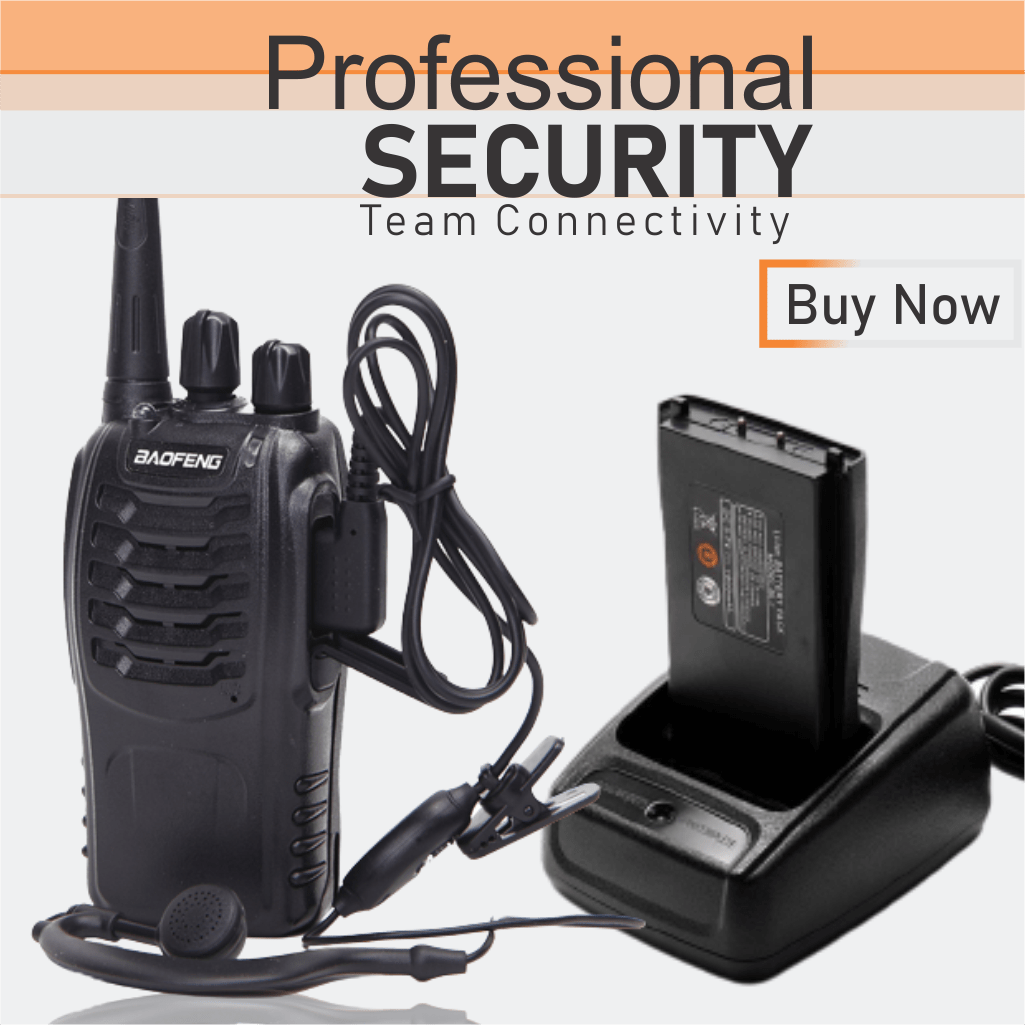
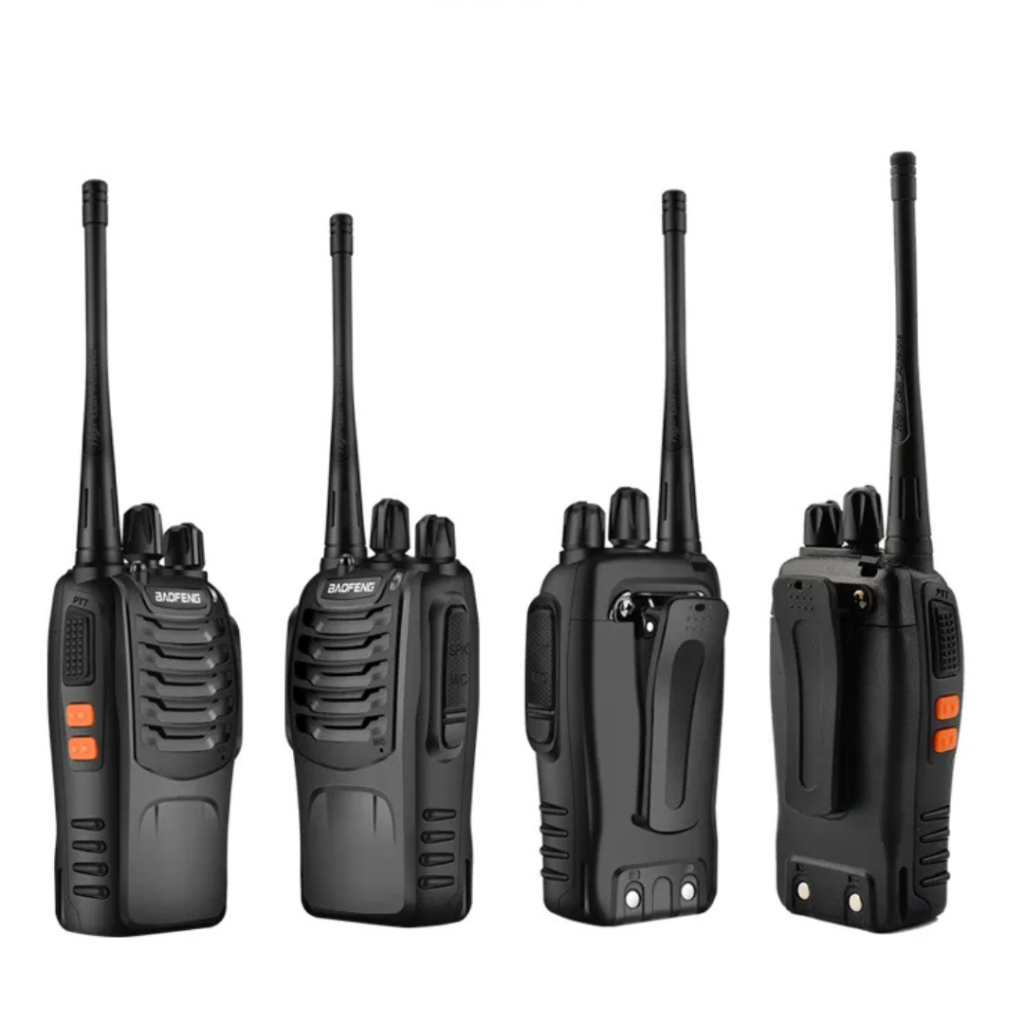
BAOFENG BF888S WALKIE TALKIE
The Baofeng BF-888S is a UHF two-way radio with a frequency range of 400-470 MHz with a covering distance of 3-5km, offering 16 programmable channels and 1-5 watts of output power. It is equipped with a rechargeable battery pack and can be charged using a desktop charger. The radio features a simple interface with a power/volume knob and has a squelch function to reduce background noise.


ELEVATE YOUR CONNECTIVITY
Top 10 Baofeng BF-888S Features.
1

1. 🔧 Programmable & Expandable
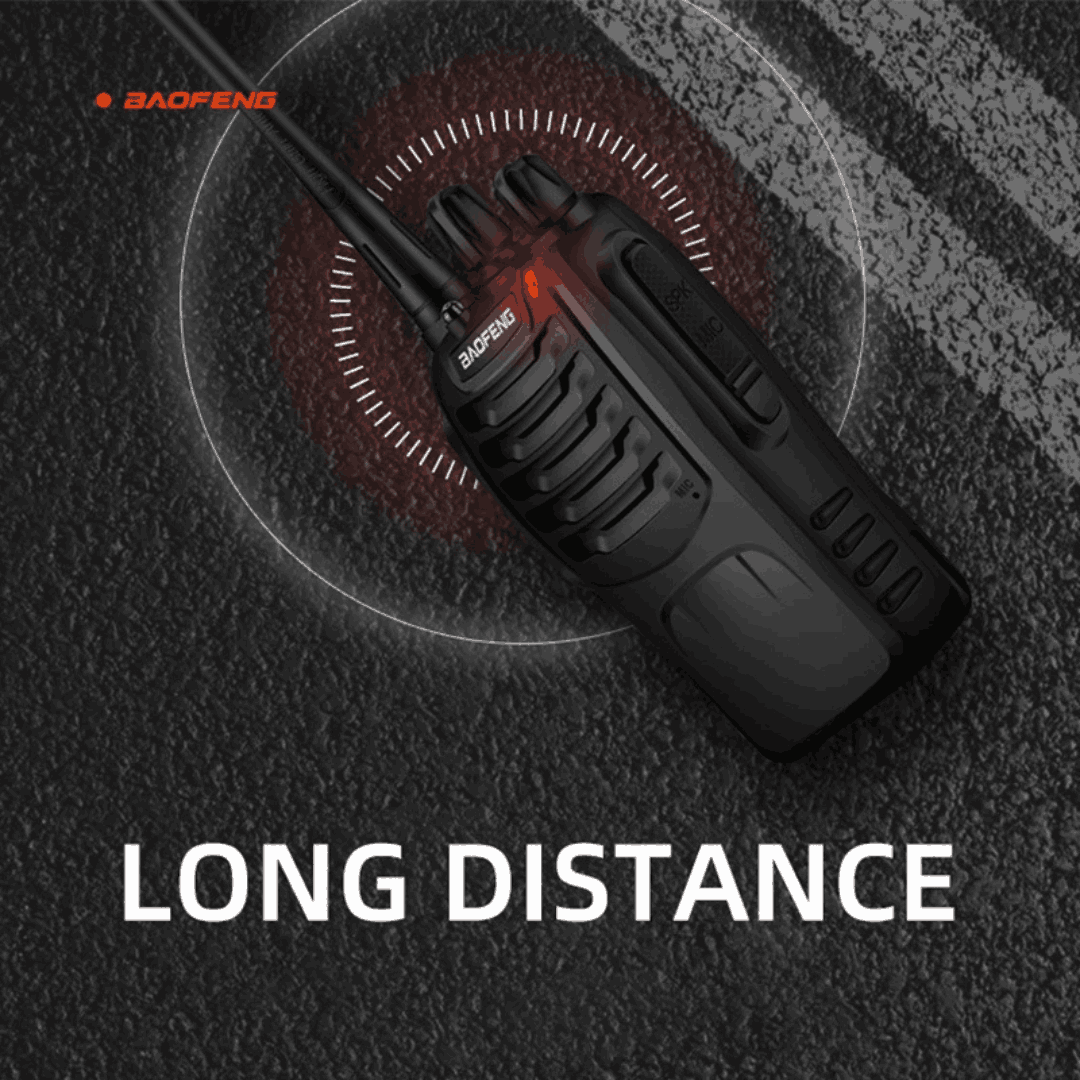
In optimal conditions with a clear line of sight and minimal interference, you will enjoy reliable communication up to 3–5km with this long range walkie talkie, especially at higher power settings. However, in urban environments or areas with a lot of obstacles, the effective range may be shorter.
2

2. 🔧 Programmable & Expandable
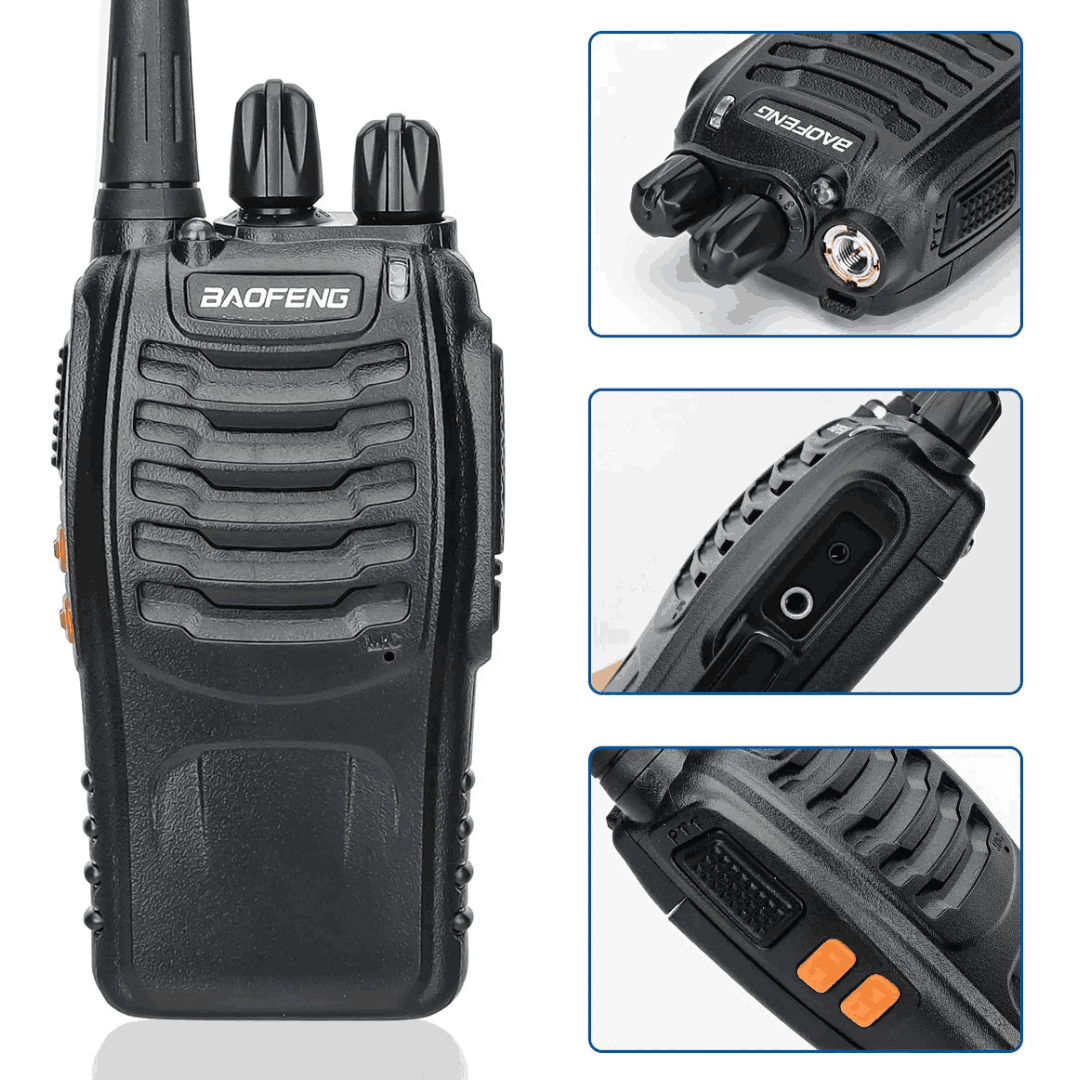
It is easily programmable with CHIRP software — add more units as your team or business grows. The radio comes with a default 16 channels
3

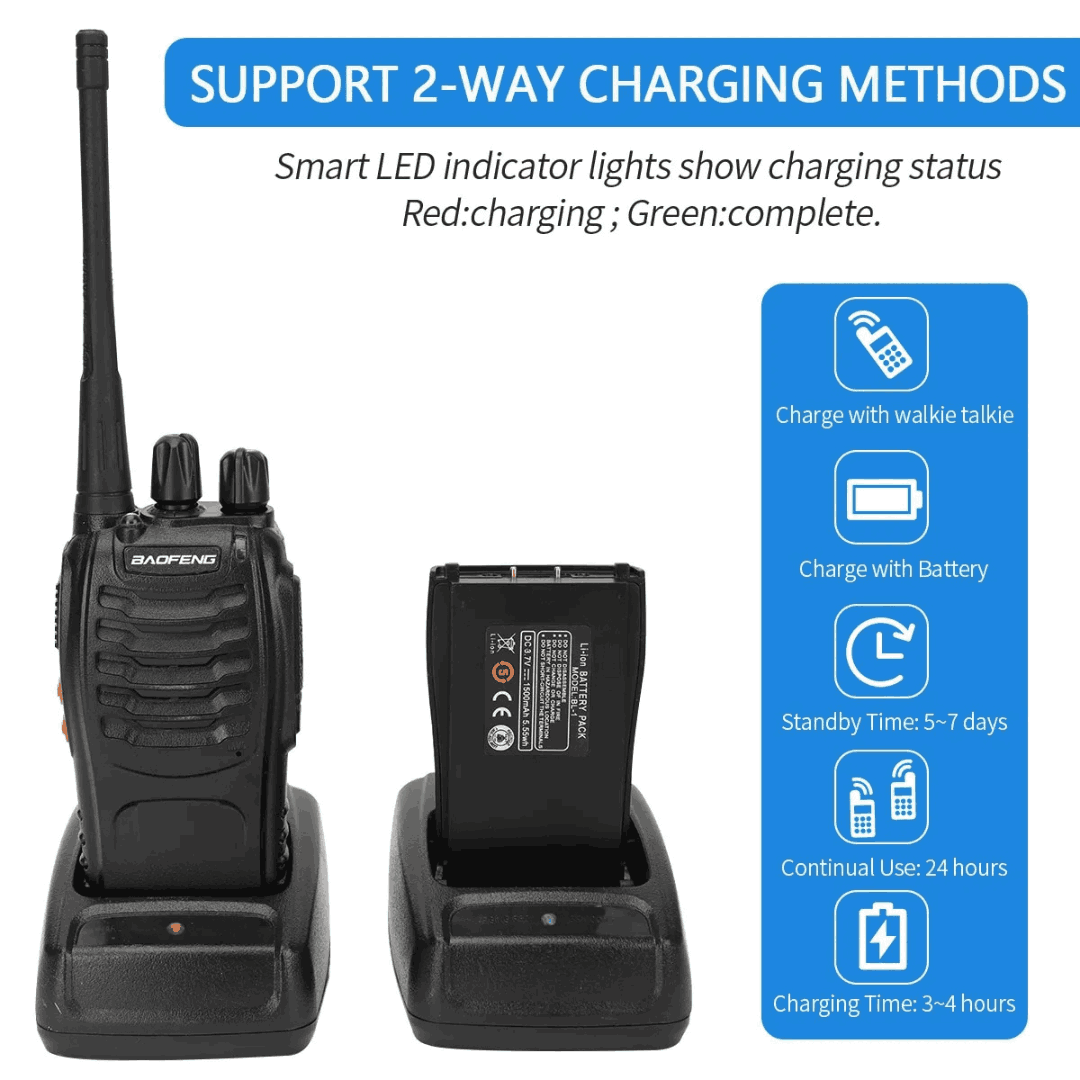
3. 🔋 Long-Lasting Rechargeable Battery
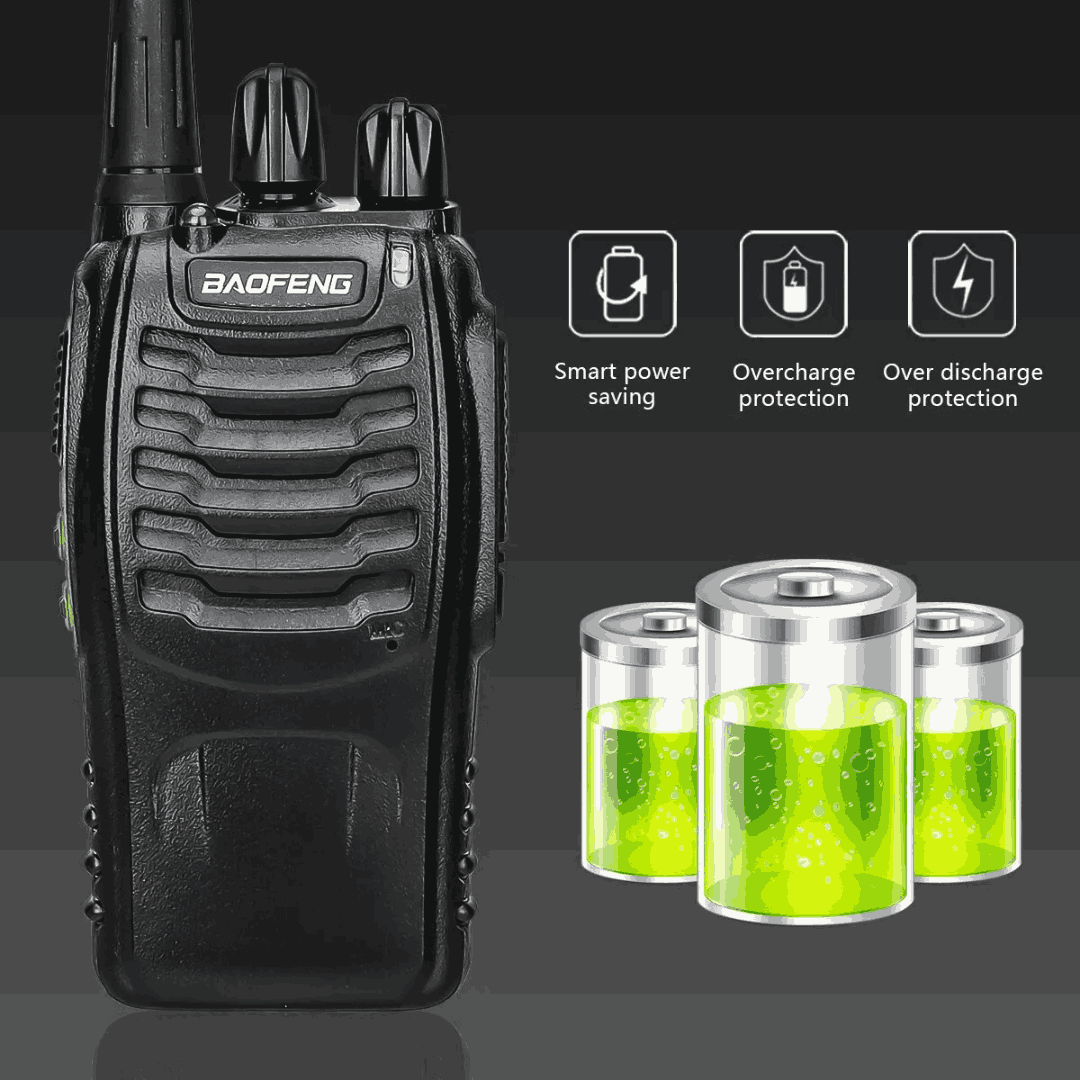
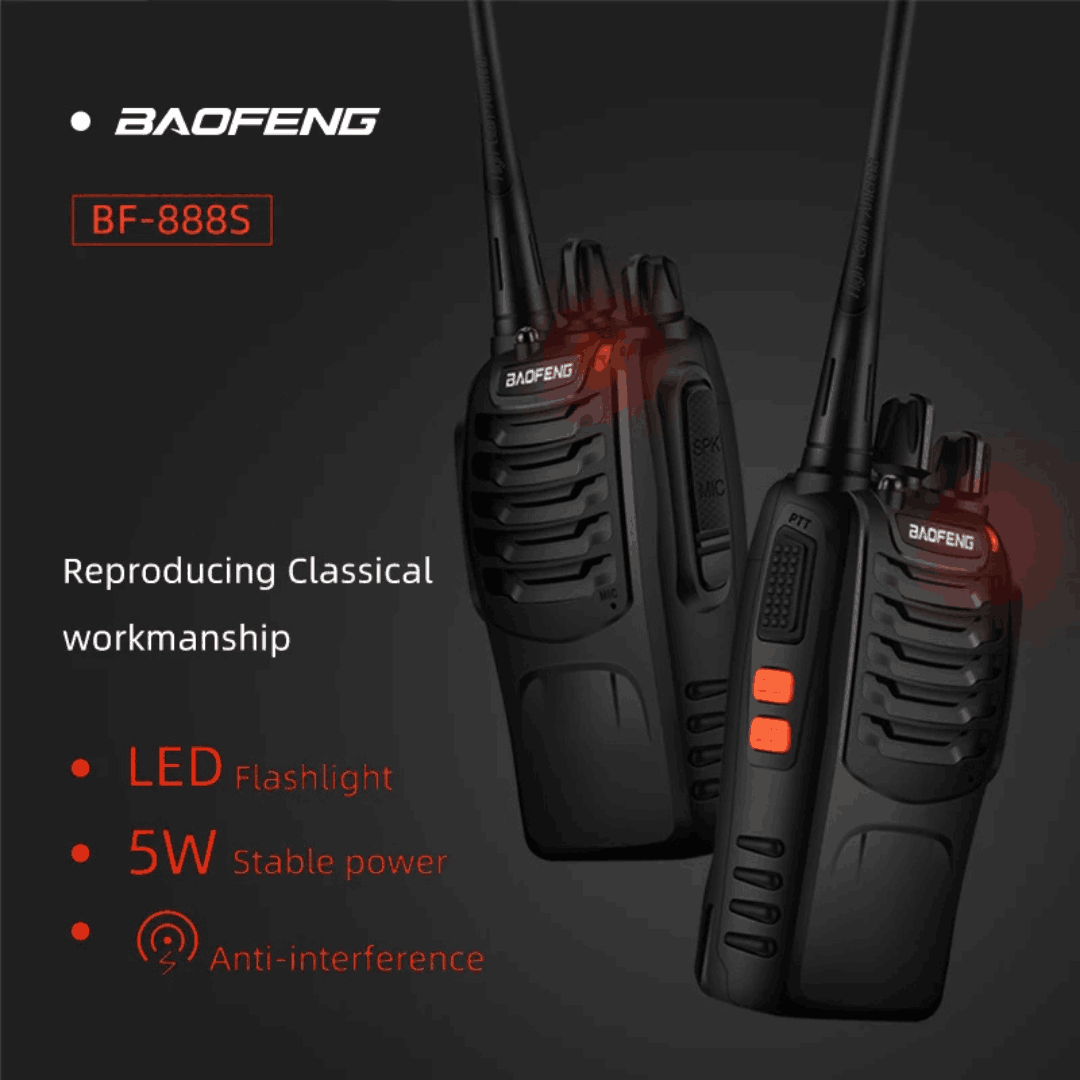
The 1500mAh battery gives hours of talk time, keeping your walkie talkie ready during long operations and power fluctuations.
4

4. 🔐 Private Communication with CTCSS/DCS
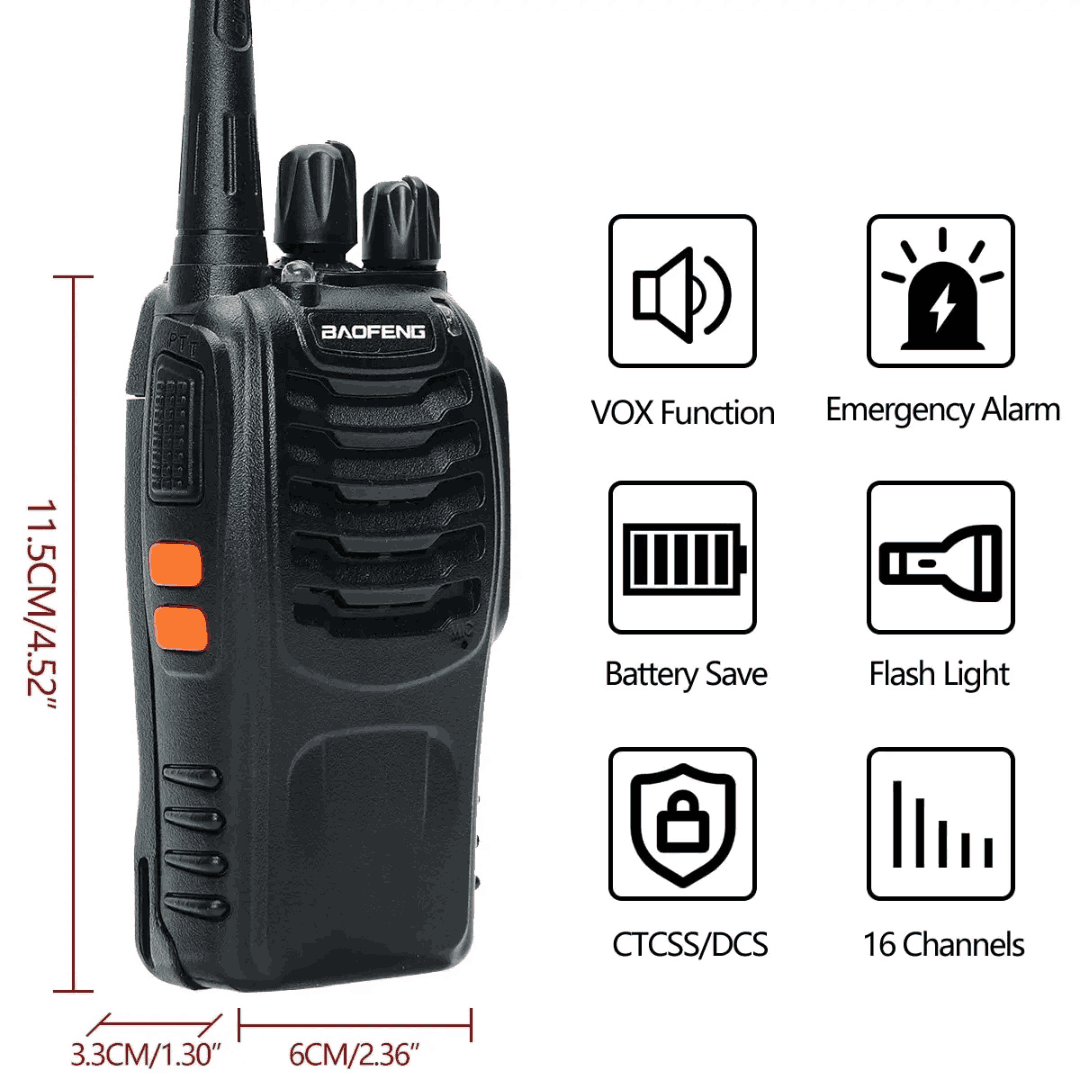
Reduce interference and ensure privacy using 50 CTCSS and 105 CDCSS codes on this Baofeng BF-888S two way radio.
5

5. ⚡ Easy to Use with No Monthly Fees
Intuitive operation for users of all experience levels, making the BF-888S easy to use in various situations without the need for extensive training. Simple operation with no SIM card or airtime needed.
6

6. 🛡️ Ideal for Security, Construction & Mining
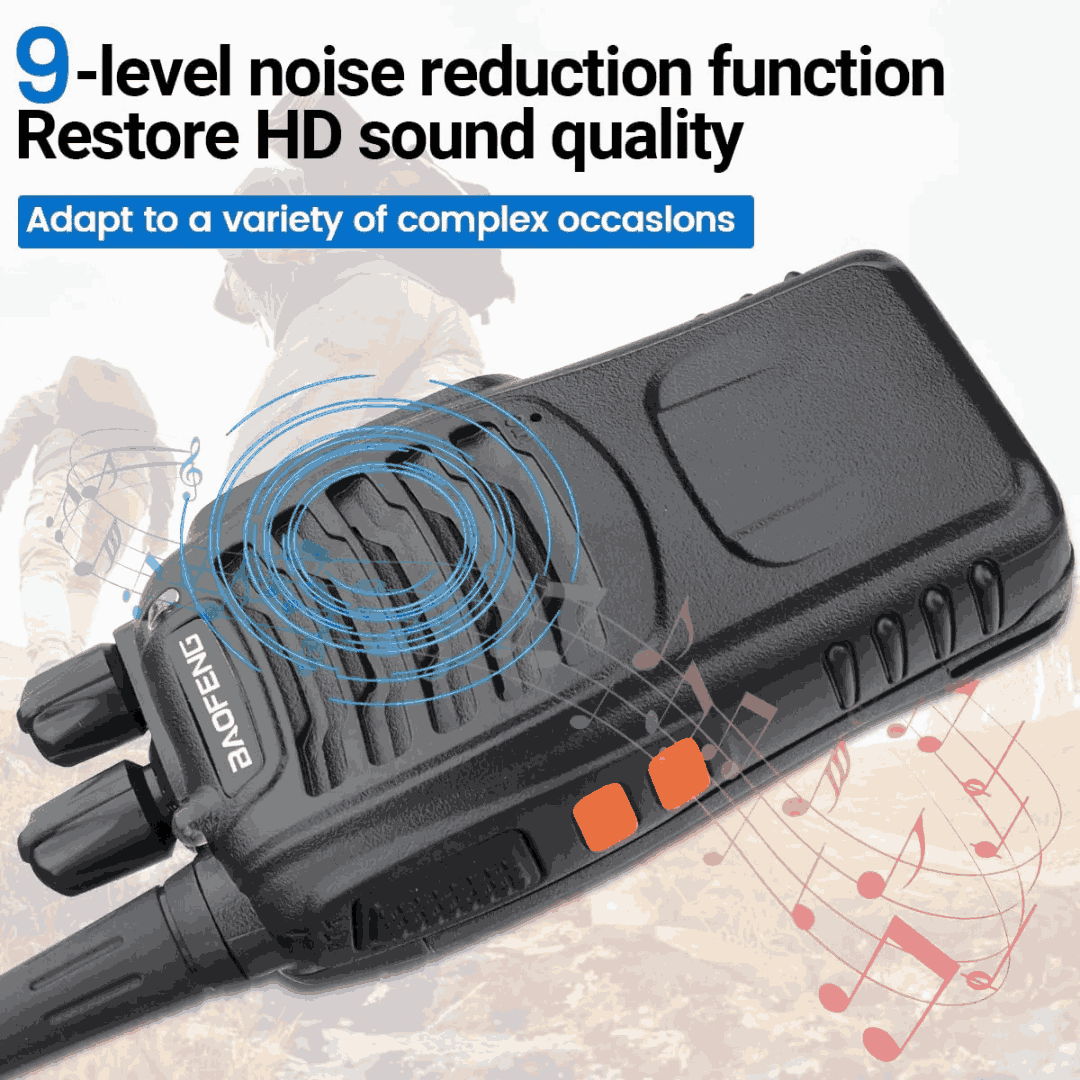
Highly effective as a walkie talkie for security, construction sites, mining areas, events, and churches in Ghana. Minimizes background noise during periods of inactivity, delivering clear and uninterrupted communication for better user experience.
7

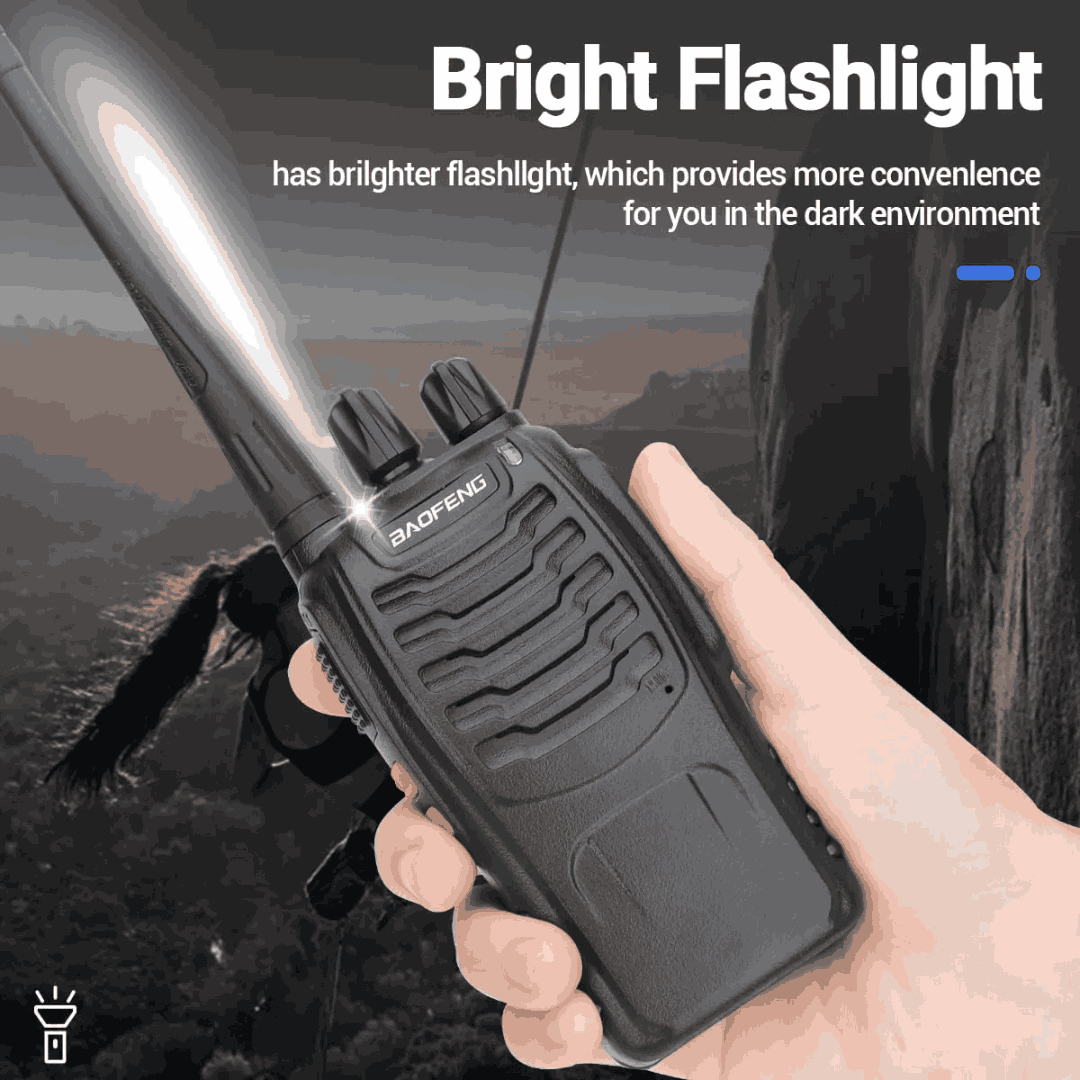
7. 🔦 Built-in Flashlight & Emergency Features
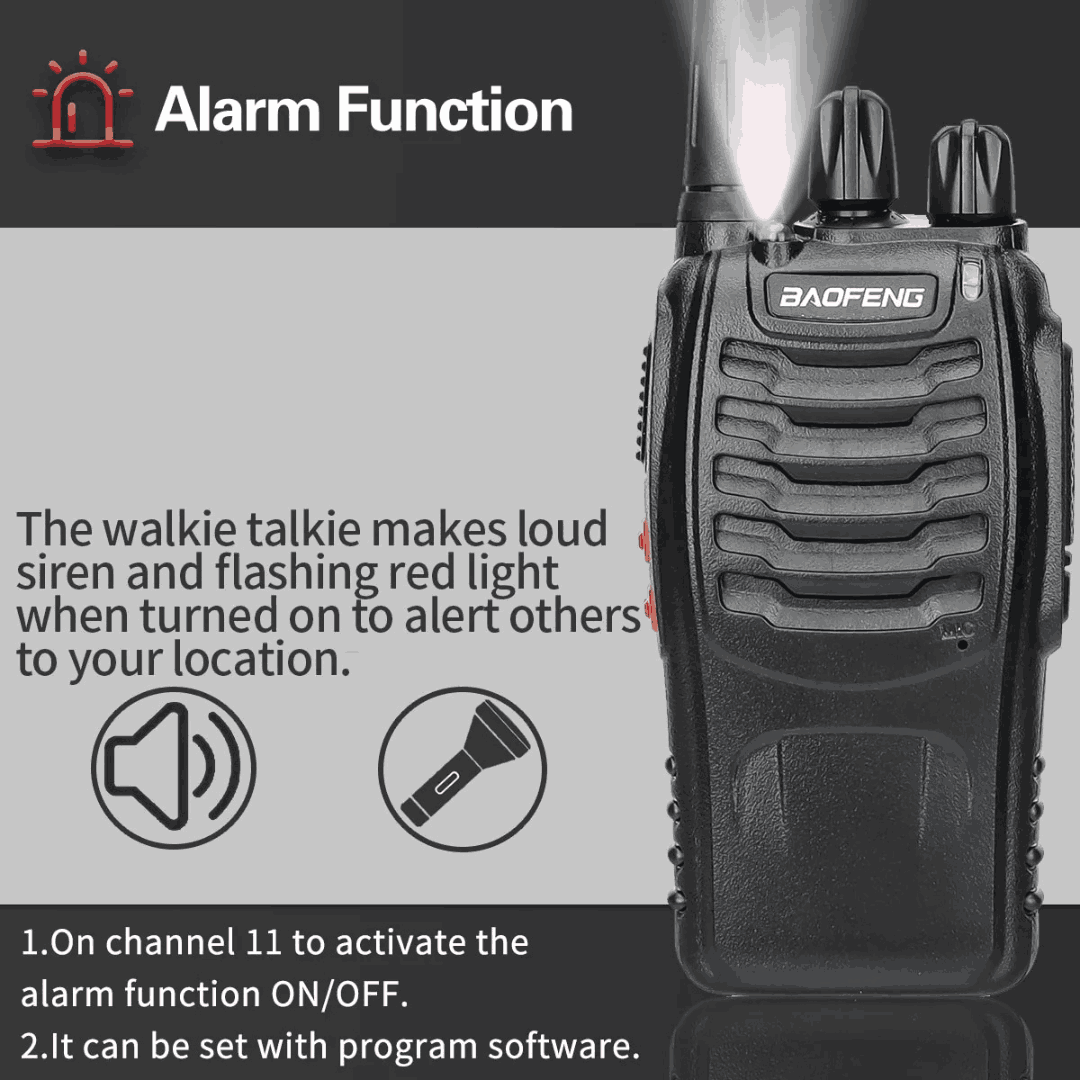
Includes flashlight, VOX hands-free, emergency alarm, and scanning for maximum practicality. Advanced users can customize settings and frequencies to meet specific communication requirements, adding a layer of adaptability to the device.
8

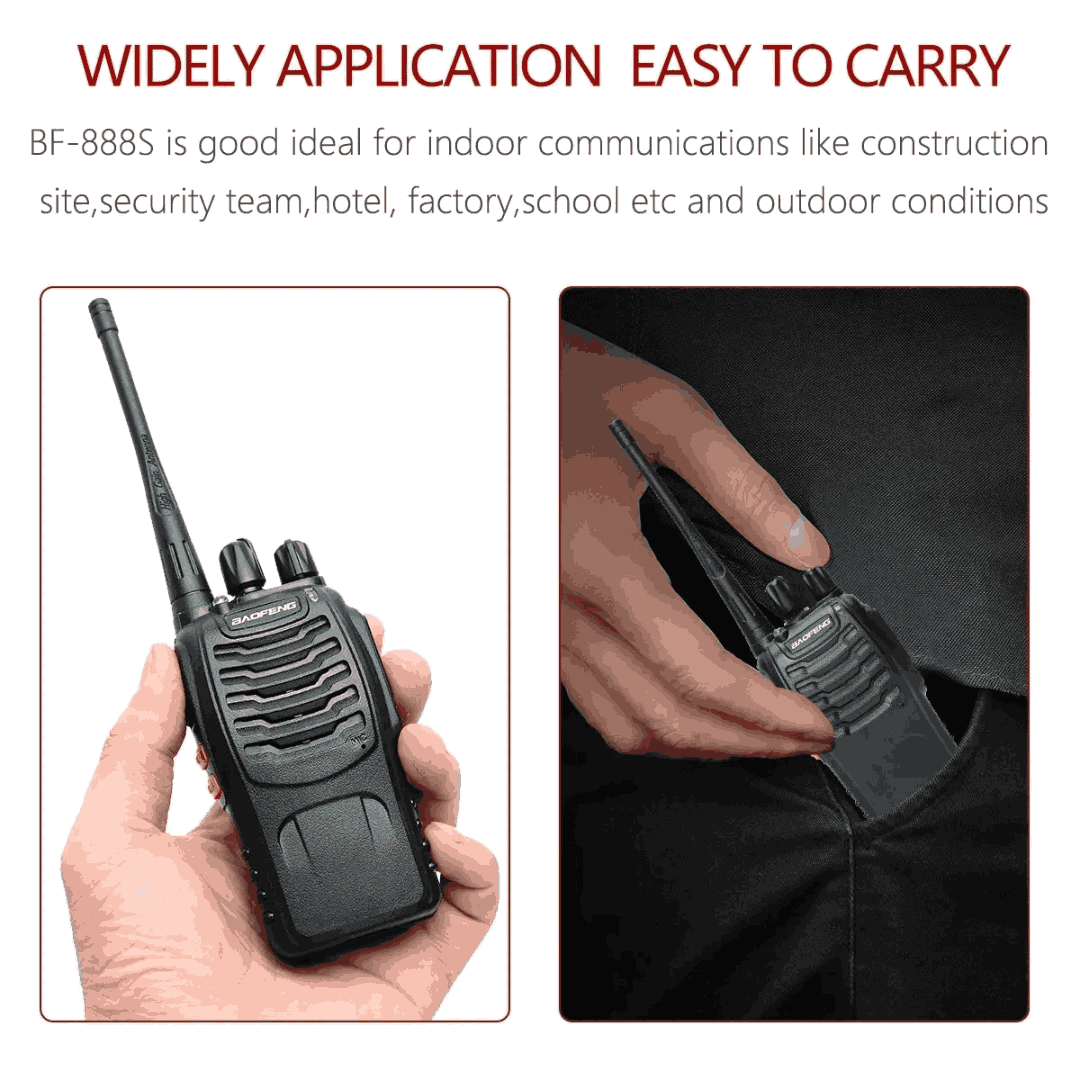
8. 📦 Compact, Lightweight & Durable
Baofeng BF 888s is a rugged design that withstands tough daily use while remaining easy to carry.
9

9. 🛒 Best Value Two Way Radio in Ghana
The BF-888S is proven performance and thousands of satisfied users make this one of the best walkie talkies for value-conscious buyers in Ghana.
10

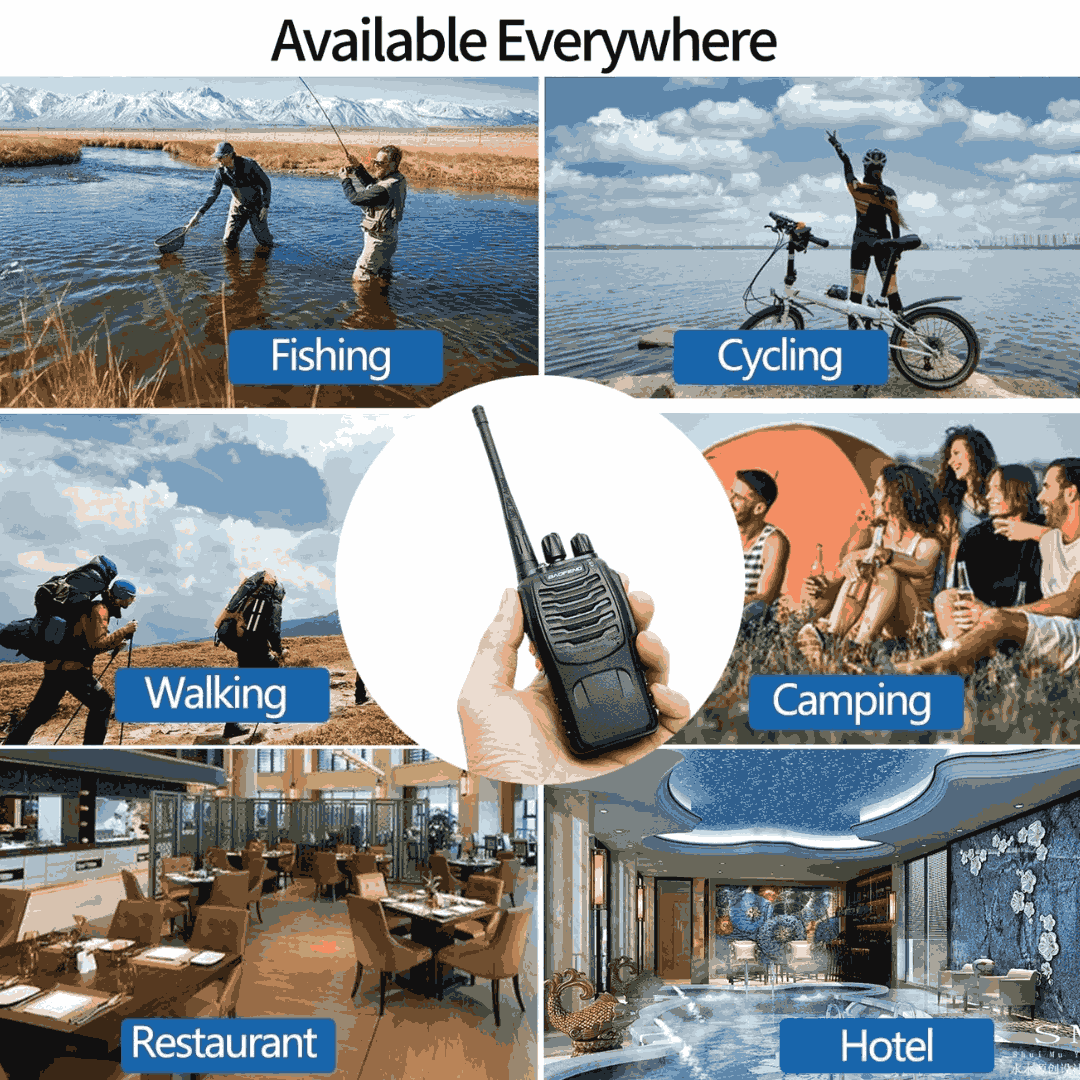
Versatile Applications.
Ideal for a range of applications, including outdoor recreation, security, events, construction sites, and more, making it a versatile tool for both personal and professional use.
Other Valuable Features


The BF-888S supports CTCSS and DCS codes, enabling secure and private communication within the security team. This feature reduces the chances of eavesdropping or interference from unauthorized users.
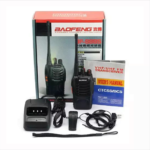
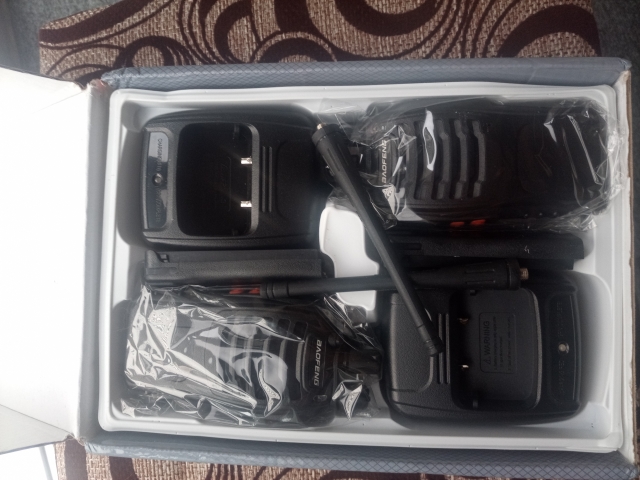
YOUR ORDER PACKAGE


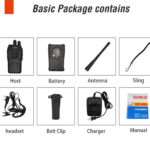
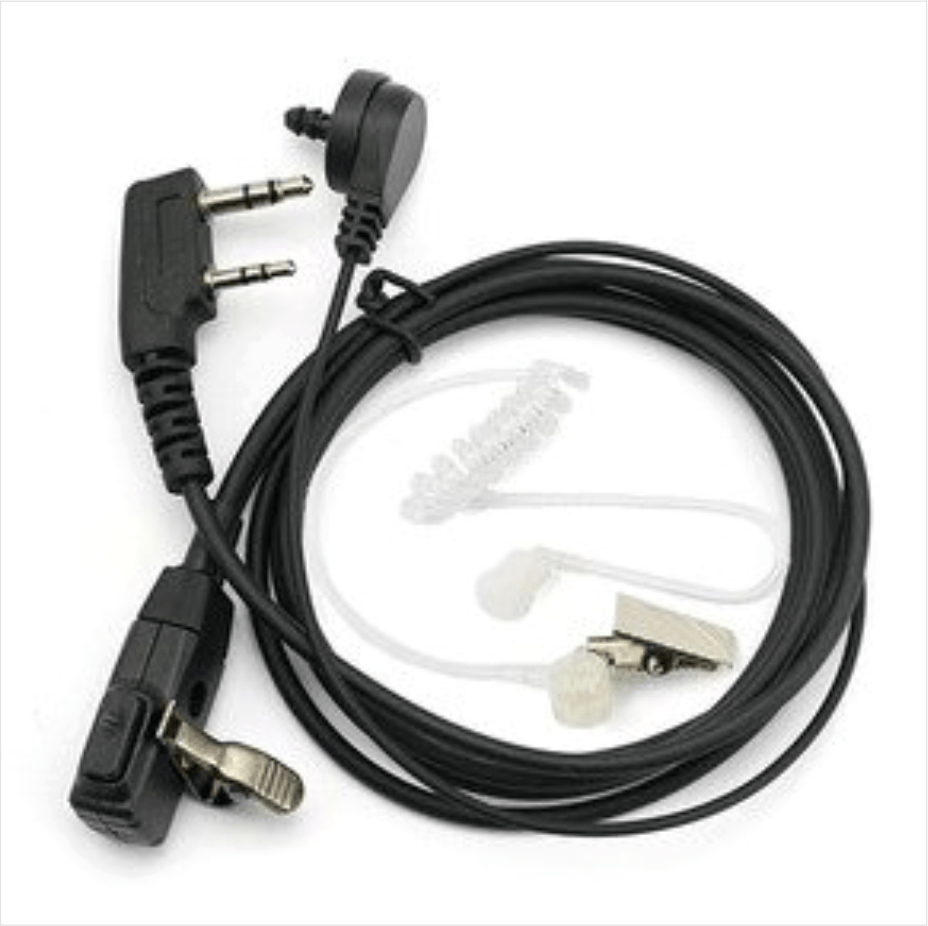
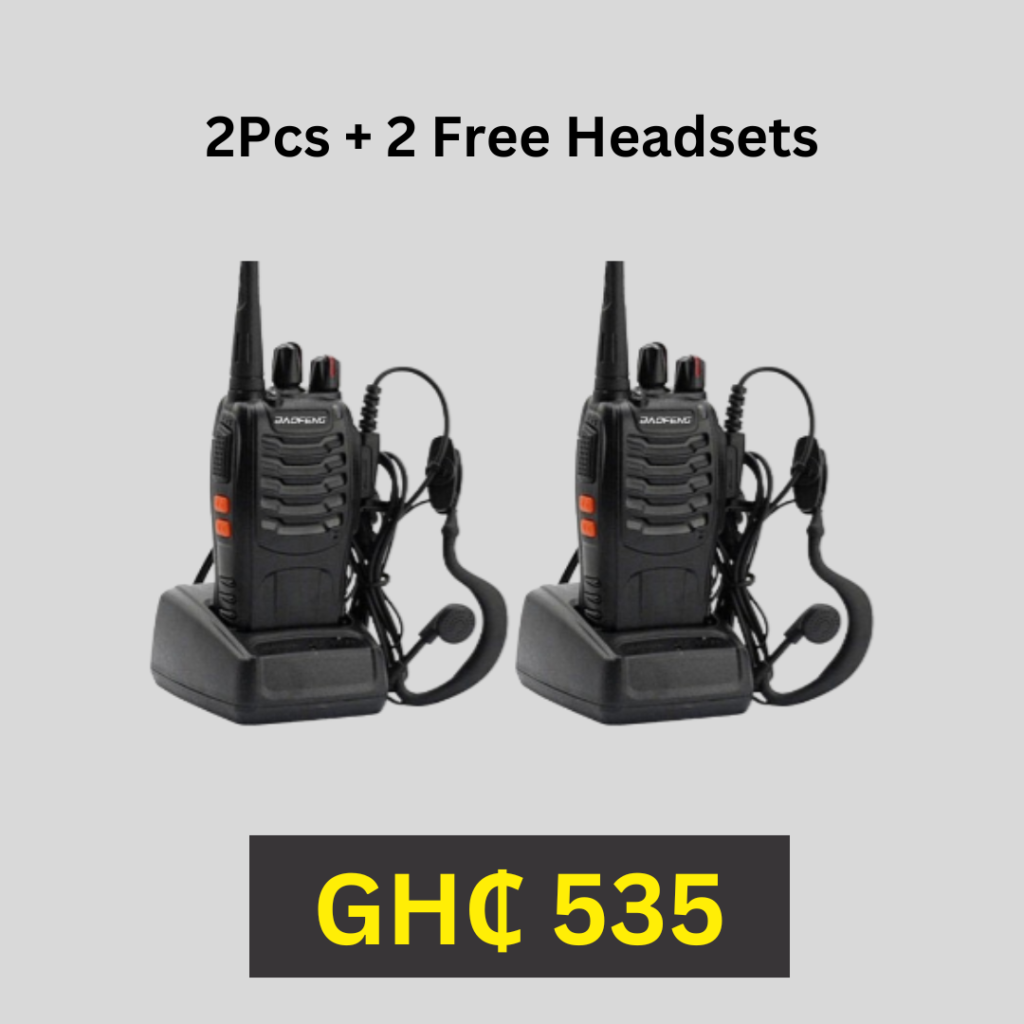
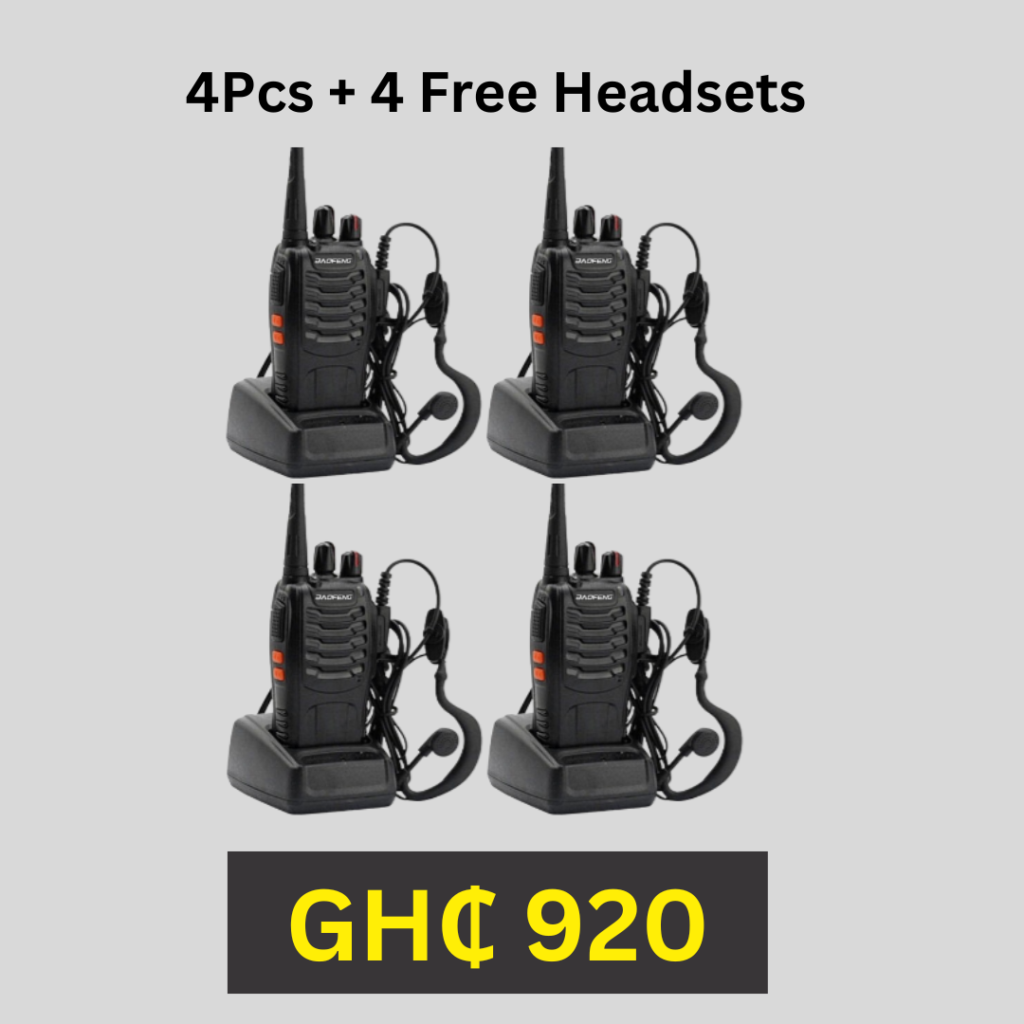
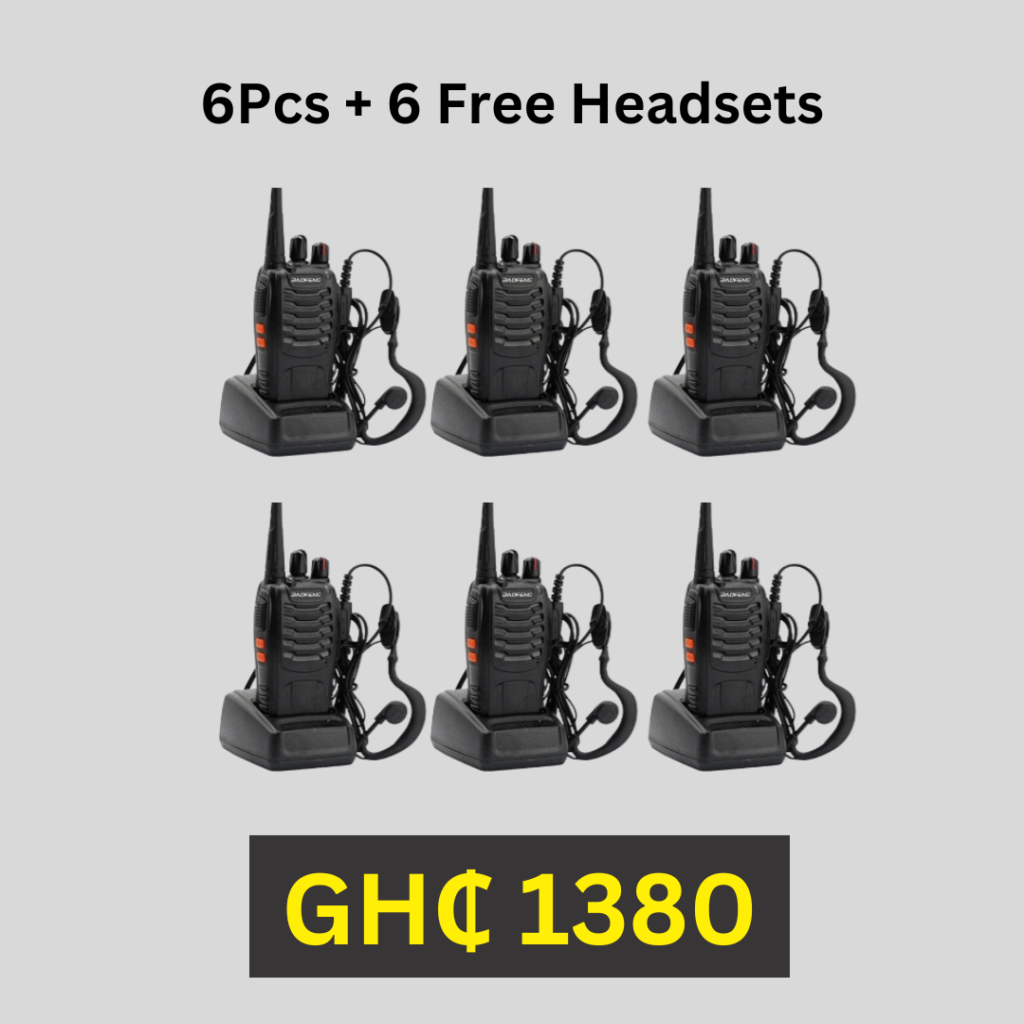
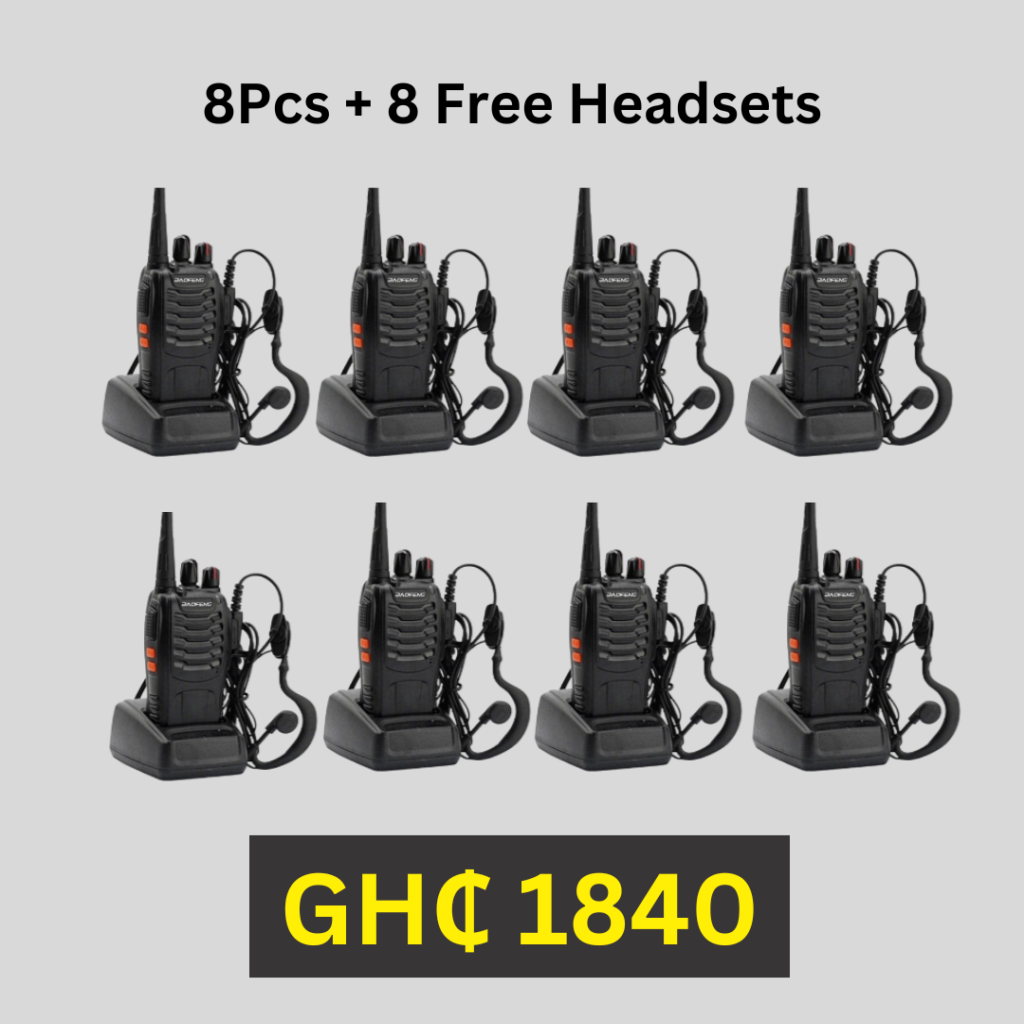
Complete Order Headset
Get the same quantity of earpiece of the total number of Walkie Talkies you have ordered for. Check Pricing for full details


Output Power(w): 3w-5w
Battery Capacity(mAh): 1500
Waterproof / Water-Resistant: IP45
Material: Plastic
Storage Channel: 16
Frequency Range: UHF: 400-470MHz
Dimensions: 115x60x33mm ( without aerial )
Model Number: Baofeng BF-888s, Baofeng 888s
Walkie Talkie Type: PortableIs_Display: No
Maximum Range: 3km-5km
Battery Capacity: 1500mAh
Voltage: DC 3.7V
Power Output: 5W
Net Weight: 180G
Frequency Stability: 2.5ppm
Audio Output: 1000mW
Antenna Impedance: 50Ohm
Operated Temperature: -30c-+60c
Color: Black
Package: Box
Type: Two Way Radio
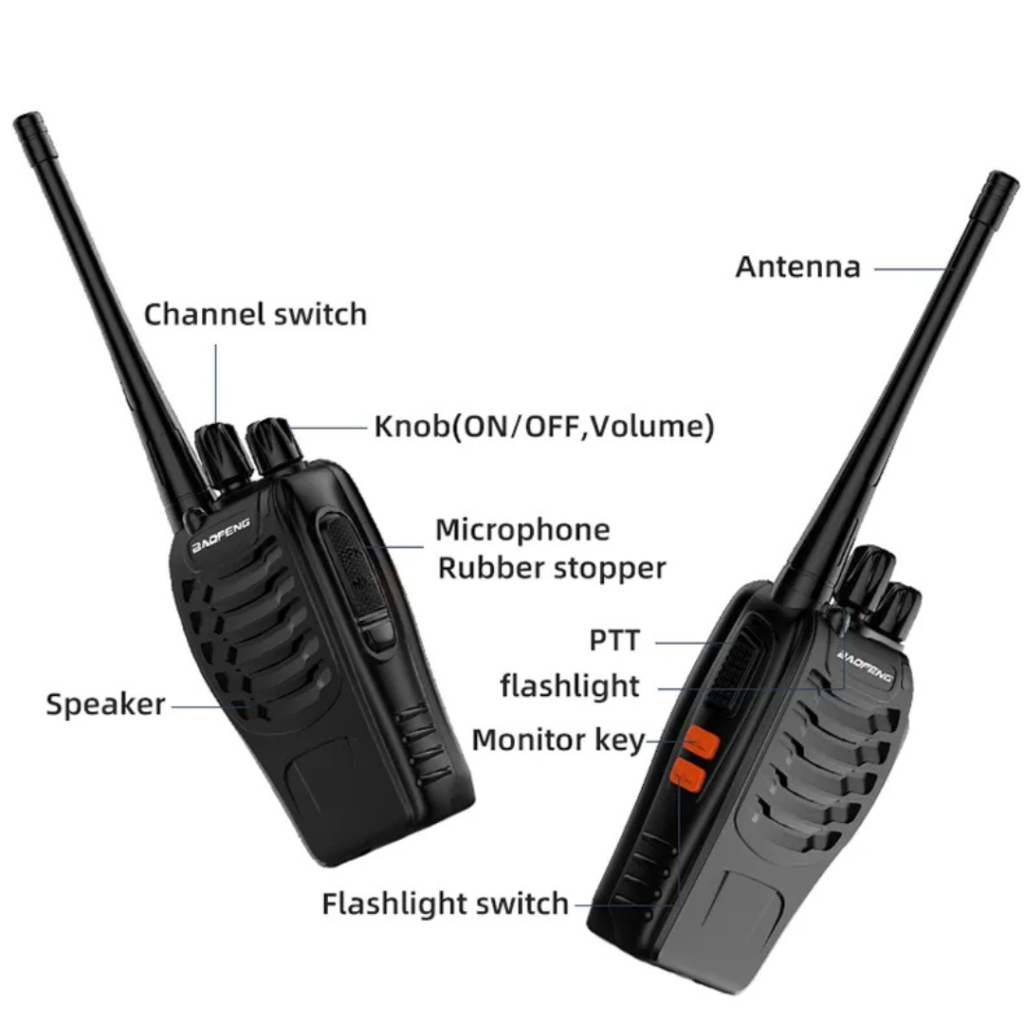
Operating the Baofeng BF-888S walkie talkie is relatively straightforward. Here’s a basic step-by-step guide to help you get started:
1. Power On/Off:
– To power on the walkie talkie, press and hold the Power/Volume knob until the radio turns on.
– To power off the walkie talkie, press and hold the Power/Volume knob until the radio turns off.
2. Selecting a Channel:
– Use the Channel Up/Down buttons to cycle through the available channels.
– Press the Monitor button to confirm the selected channel.
3. Adjusting Volume:
– Rotate the Power/Volume knob clockwise or counterclockwise to adjust the volume level.
4. Transmitting (Talking):
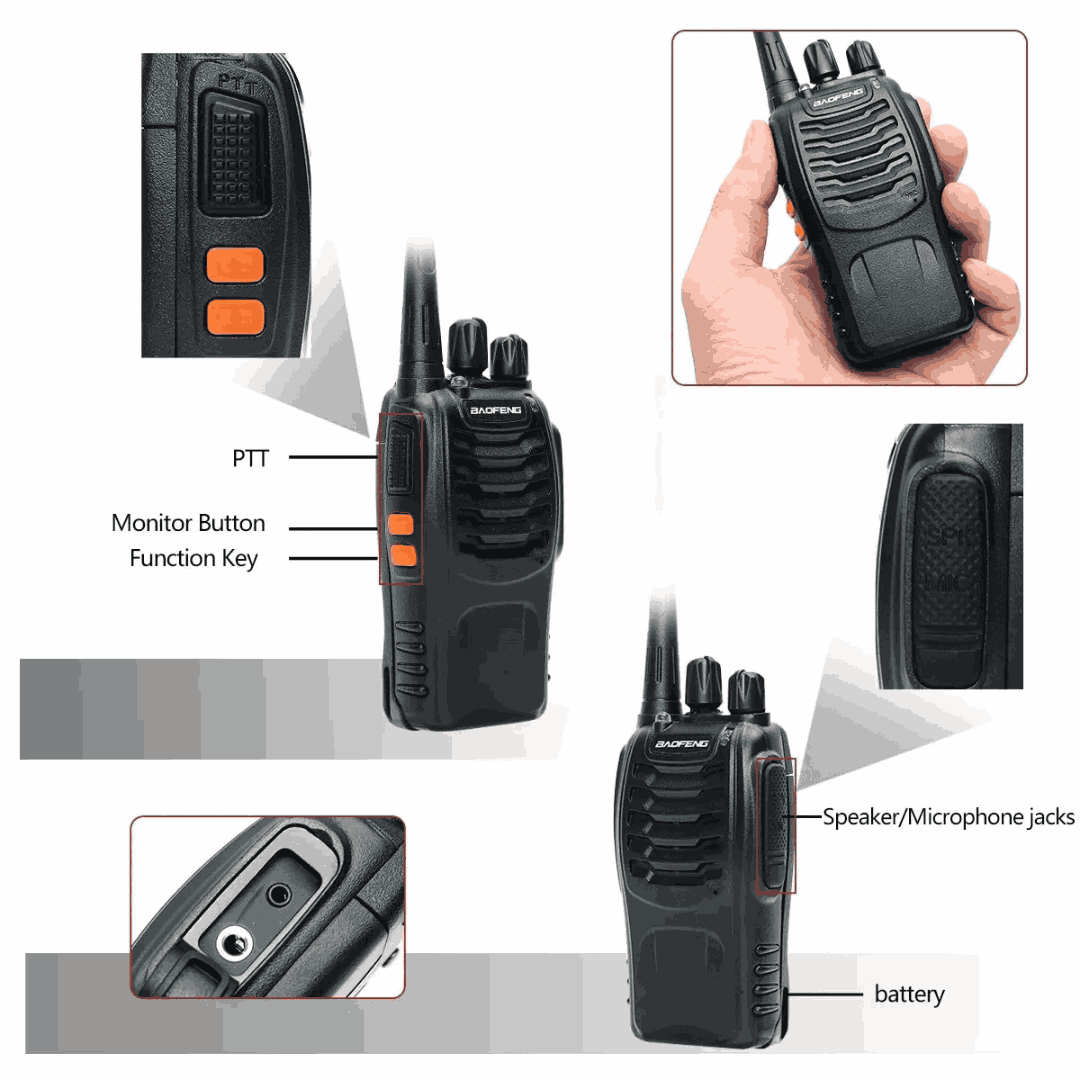
– Hold down the Push-to-Talk (PTT) button on the side of the radio while speaking into the built-in microphone.
– Speak clearly and directly into the microphone for optimal transmission.
5. Receiving (Listening):
– Release the PTT button to listen to incoming transmissions from other radios on the same channel.
6. Monitor Function:
– Press the Monitor button to activate the monitor function. This allows you to listen for weak signals or background noise.
7. Scanning:
– Press and hold the Monitor button to activate scanning mode. The walkie talkie will automatically scan through the available channels and stop when activity is detected.
8. VOX (Voice-Activated Transmission):
– If VOX is enabled, the walkie talkie will automatically transmit when it detects sound or voice. To enable or disable VOX, refer to the user manual.
9. Squelch Level Adjustment:
– The squelch function helps reduce background noise. Use the Channel Up/Down buttons to adjust the squelch level for optimal reception.
10. Battery Charging:
– Connect the charging dock or adapter to the charging port of the walkie talkie.
– Insert the walkie talkie into the charging dock or connect the adapter to the charging port.
– Ensure the walkie talkie is properly aligned and charging indicators are activated.
Please note that this is a basic overview of the operations, and it’s important to refer to the user manual provided with the Baofeng BF-888S walkie talkie for detailed instructions and additional features.
Operating the Baofeng BF-888S walkie talkie is relatively straightforward. Here’s a basic step-by-step guide to help you get started:
1. Power On/Off:
– To power on the walkie talkie, press and hold the Power/Volume knob until the radio turns on.
– To power off the walkie talkie, press and hold the Power/Volume knob until the radio turns off.
2. Selecting a Channel:
– Use the Channel Up/Down buttons to cycle through the available channels.
– Press the Monitor button to confirm the selected channel.
3. Adjusting Volume:
– Rotate the Power/Volume knob clockwise or counterclockwise to adjust the volume level.
4. Transmitting (Talking):
– Hold down the Push-to-Talk (PTT) button on the side of the radio while speaking into the built-in microphone.
– Speak clearly and directly into the microphone for optimal transmission.
5. Receiving (Listening):
– Release the PTT button to listen to incoming transmissions from other radios on the same channel.
6. Monitor Function:
– Press the Monitor button to activate the monitor function. This allows you to listen for weak signals or background noise.
7. Scanning:
– Press and hold the Monitor button to activate scanning mode. The walkie talkie will automatically scan through the available channels and stop when activity is detected.
8. VOX (Voice-Activated Transmission):
– If VOX is enabled, the walkie talkie will automatically transmit when it detects sound or voice. To enable or disable VOX, refer to the user manual.
9. Squelch Level Adjustment:
– The squelch function helps reduce background noise. Use the Channel Up/Down buttons to adjust the squelch level for optimal reception.
10. Battery Charging:
– Connect the charging dock or adapter to the charging port of the walkie talkie.
– Insert the walkie talkie into the charging dock or connect the adapter to the charging port.
– Ensure the walkie talkie is properly aligned and charging indicators are activated.
Please note that this is a basic overview of the operations, and it’s important to refer to the user manual provided with the Baofeng BF-888S walkie talkie for detailed instructions and additional features.
Xpressale Global offers Free Nationwide Shipping and Delivery.
Our delivery are usually superfast, rare longer based on costumers location and local festivities or custom order processing.
Within Accra Delivery: 24hrs
Accra- Western States: 3days Max.
Accra- eastern States: 4days Max
Accra- Northern States: 6days Max
If your order hasn’t arrived after 3-7 days depending on your location, kindly send us an email at: [email protected] or call customer service @ (+233) 24 044 1449.
Kindly note we accept Cash on delivery, Bank or Mobile Transfer
Thank you.
If your item arrived damaged or within 14 days of normal usage, we will gladly issue out a replacement or refund.
QUANTITY AND PRICING


ORDER NOTICE: Pls if you know you are not ready due to any understandable reason to receive the order within the period you place the order and the Delivery, kindly, DO NOT PLACE THE ORDER. We would like to attend to only customers that are available for pick-up to avoid shipping product to locations customer is not available. Thank you for your kind understanding.